How to Use ChatGPT for Beginners: 10 Easy Steps
Learn how to use ChatGPT for beginners with this step-by-step guide. Discover simple prompts, practical examples, useful tips, and common mistakes to avoid.
ChatGPT is one of the most useful AI tools for beginners. You can use it to write emails, explain difficult topics, create blog posts, summarize text, learn new skills, plan your day, and get ideas for almost anything.
The best part is that you do not need to be a tech expert. You only need to type what you want, and ChatGPT will reply in a natural conversation style.
In this guide, you will learn how to use ChatGPT for beginners, how to write better prompts, what you can use ChatGPT for, and how to get better answers.
What is ChatGPT?
ChatGPT is an AI chatbot created by OpenAI. It can understand your questions and conversationally give helpful answers.
You can ask ChatGPT to:
- Explain something in simple words
- Write emails, articles, captions, or messages.
- Summarize long text
- Create ideas and outlines
- Help with studying
- Improve your writing
- Translate or rewrite content
- Make plans, lists, and checklists
ChatGPT is free to use, although free users may have usage limits, and paid plans may offer higher limits. OpenAI’s Help Center says free users can access a wide range of ChatGPT features, while Plus users get higher rate limits.
Why Beginners Should Use ChatGPT
ChatGPT can save time and make daily tasks easier. Instead of spending hours trying to write, research, or organize ideas, you can ask ChatGPT for help.
For example, a beginner can use ChatGPT to write a professional email, understand a difficult subject, create a content idea, or improve a paragraph.
It works like a smart assistant that is available whenever you need help.
How to Use ChatGPT for Beginners Step-by-Step
Step 1: Open ChatGPT
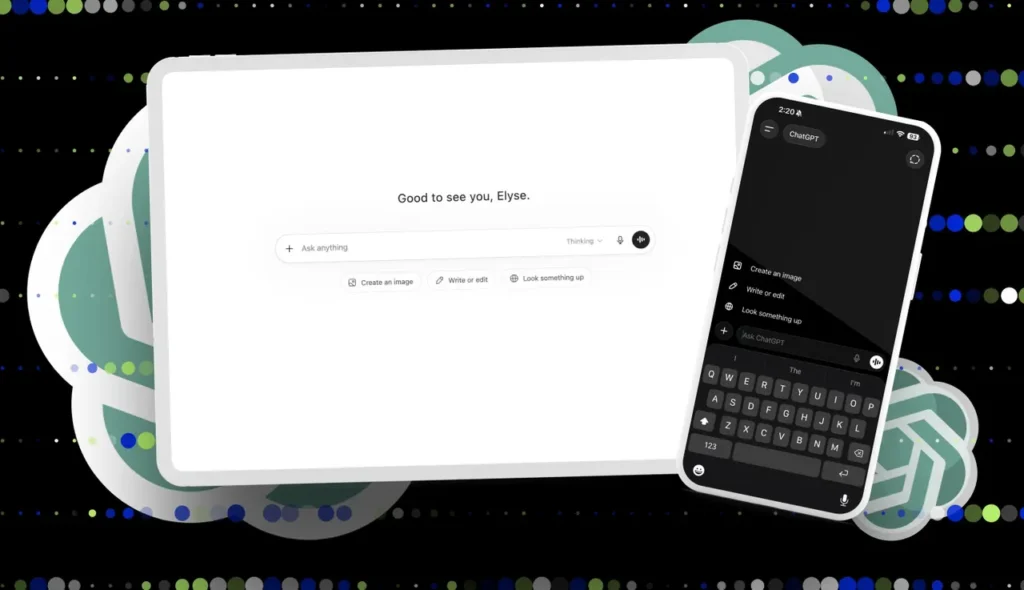
First, go to ChatGPT and sign in or create an account. After opening ChatGPT, you will see a message box where you can type your question.
You do not need to write complicated instructions. You can type normally, just like you are talking to a person.
Example:
Explain digital marketing in simple words.
Step 2: Ask a Clear Question
The quality of the answer depends on the quality of your question. A clear question gives ChatGPT better direction.
For example, instead of writing.
Tell me about business.
Write:
Explain how to start a small online business from home for beginners.
This second prompt is better because it tells ChatGPT exactly what you want.
Step 3: Give More Details
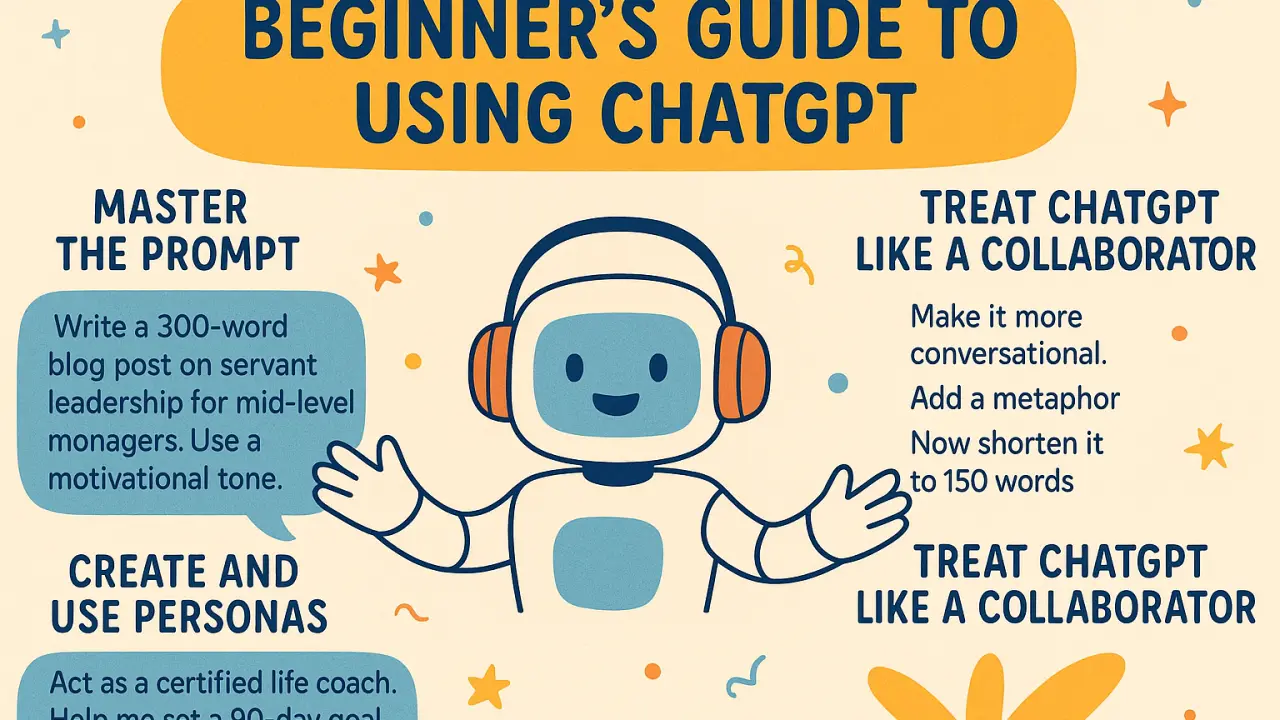
ChatGPT gives better answers when you provide more context. You can tell it the topic, audience, tone, length, and format.
Example:
Write a 500-word beginner-friendly article about healthy eating. Use simple words, short paragraphs, and include practical tips.
This prompt is clear because it explains the topic, length, audience, style, and structure.
Step 4: Read and Edit the Answer
ChatGPT can help you create useful content, but you should always review the answer. Sometimes it may make mistakes or give information that needs checking.
For important topics like health, law, finance, news, or technical instructions, always verify the information from trusted sources.

Step 5: Ask Follow-Up Questions
One of the best ways to use ChatGPT is to continue the conversation. You can ask it to improve, shorten, expand, or rewrite the answer.
Examples:
Make this easier to understand.
Add examples.
Rewrite this in a friendly tone.
Turn this into bullet points.
Make this article SEO optimized.
Follow-up questions help you get a better final result.
What Is a ChatGPT Prompt?
A prompt is the message you type into ChatGPT. It tells ChatGPT what you want.
A simple prompt can be a question:
What is email marketing?
A better prompt gives more detail:
Explain email marketing in simple words for a complete beginner. Include examples and benefits.
The better your prompt, the better your answer.
Easy ChatGPT Prompt Formula for Beginners
Use this simple formula:
Create a [type of content] about [topic] for [audience]. Use a [tone] tone and include [details].
Example:
Create a blog post about saving money for students. Use a friendly tone and include 7 practical tips.
This formula works for articles, emails, social media captions, study notes, business ideas, and more.
Best ChatGPT Prompts for Beginners
Here are some easy prompts you can copy and use.
For Learning
Explain [topic] in simple words.
Teach me [skill] step-by-step.
Create a beginner-friendly guide about [topic].
Give me examples of [topic].
For Writing
Write a professional email about [topic].
Rewrite this paragraph to make it clear and simple.
Create a blog post outline for [keyword].
Write a short introduction for an article about [topic].
For Students
Summarize this text in simple bullet points.
Explain this chapter like I’m a beginner.
Create 10 quiz questions about [subject].
Make a study plan for [exam/topic].
For Work
Write a polite reply to this customer message.
Create a daily task list for my project.
Summarize these meeting notes.
Write a professional report summary.
For Content Creators
Give me 20 blog post ideas about [niches].
Create Instagram captions for [product].
Write a YouTube video script about [topic].
Create an SEO article outline for [keyword].
Best Ways to Use ChatGPT
1. Use ChatGPT for Writing Emails
ChatGPT can help you write emails quickly. You can use it for business emails, job applications, customer replies, follow-ups, and personal messages.
Example prompt:
Write a polite email asking a client for a project update. Keep it short and professional.
2. Use ChatGPT for Blog Writing
If you are a blogger, writer, or website owner, ChatGPT can help you create outlines, titles, introductions, FAQs, and article drafts.
Example prompt:
Create an SEO-friendly blog outline for the keyword “home workout for beginners.”
3. Use ChatGPT for Studying
Students can use ChatGPT to understand difficult topics, make study notes, create quizzes, and plan study schedules.
Example prompt:
Explain photosynthesis in simple words for a 7th-grade student.
4. Use ChatGPT for Summaries
ChatGPT can turn long text into short and simple summaries.
Example prompt:
Summarize this article in 5 simple bullet points.
5. Use ChatGPT for Brainstorming Ideas
When you feel stuck, ChatGPT can help you generate ideas.
Example prompt:
Give me 25 small business ideas for beginners with low investment.
6. Use ChatGPT for Social Media
You can create captions, hashtags, video ideas, post ideas, and content calendars.
Example prompt:
Create 10 Instagram captions for a skin-care brand. Keep them friendly and engaging.
7. Use ChatGPT for Daily Planning
ChatGPT can help you organize your day, create routines, and manage tasks.
Example prompt:
Create a simple daily routine for a beginner freelancer working from home.
How to Use ChatGPT Search
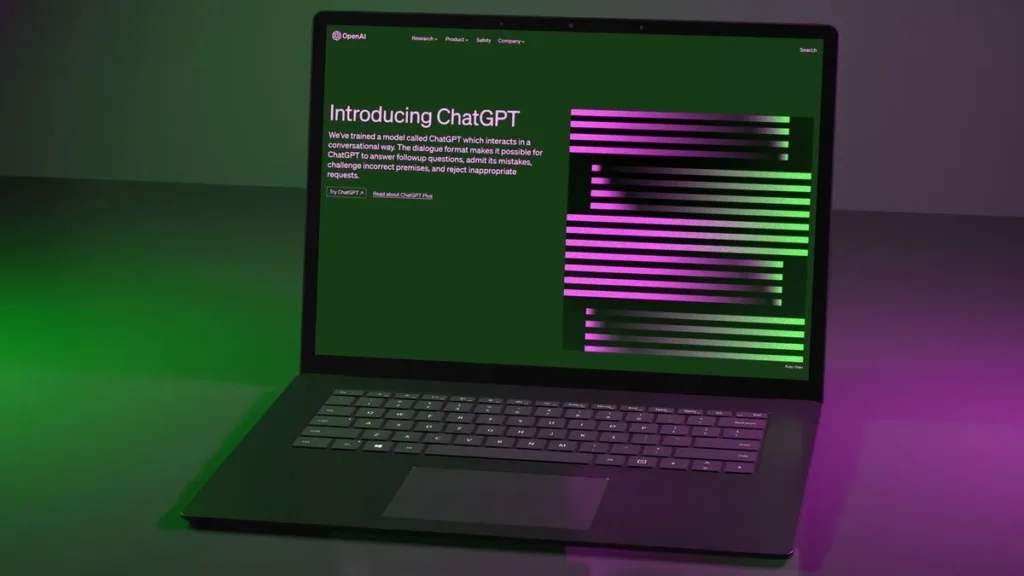
ChatGPT can also search the web when your question needs current information. OpenAI says ChatGPT may automatically search the web when an answer could benefit from updated information, and users can also choose the Search tool manually.
Use ChatGPT search for topics like:
- Latest news
- Current prices
- New software updates
- Travel information
- Product comparisons
- Recent trends
- Updated rules or policies
Example prompt:
Search the web and find the latest SEO trends for 2026.
For general writing, brainstorming, learning, and planning, you can usually use ChatGPT without search.
Tips to Get Better Answers from ChatGPT
Be Specific
Do not ask very broad questions. Give clear instructions.
Weak Prompt:
Write about fitness.
Better Prompt:
Write a beginner-friendly article about 10 home exercises for busy people. Use simple words and short paragraphs.
Tell ChatGPT the Audience
The same topic can be written in different ways for students, business owners, parents, beginners, or professionals.
Example:
Explain SEO to a complete beginner who has never created a website before.
Choose the Tone
You can ask ChatGPT to write in different tones.
Examples:
Use a friendly tone.
Use a professional tone.
Use simple and easy words.
Make it sound more natural.
Ask for a Format
You can ask ChatGPT to format the answer as:
- A list
- A table
- A checklist
- A step-by-step guide
- An email
- A blog post
- A social media caption
- A summary
- A plan
Example:
Create a step-by-step checklist for starting a blog.
Improve the First Answer
The first answer is not always the final answer. Ask ChatGPT to improve it.
Examples:
Make it shorter.
Add more examples.
Make it more beginner-friendly.
Add SEO keywords naturally.
Rewrite it in a more human tone.
Common Mistakes Beginners Make with ChatGPT
Mistake 1: Giving a Very Short Prompt
Short prompts often give basic answers. Add details to get better results.
Instead of:
Write a post.
Use:
Write a 700-word blog post about morning routines for students. Use simple language, headings, and practical tips.
Mistake 2: Not Checking Facts
ChatGPT can make mistakes. Always check important facts before publishing or using the answer.
This is especially important for medical, legal, financial, academic, or news-related information.
Mistake 3: Sharing Private Information
Do not share passwords, bank details, private identification numbers, confidential business data, or sensitive personal information.
OpenAI provides Data Controls that let users manage how their conversations are used, including whether chats help improve models.
Mistake 4: Not asking follow-up questions
Many beginners stop after the first answer. To get better results, ask ChatGPT to revise the response.
Example:
This is good, but make it simpler and add more examples.
Mistake 5: Expecting Perfect Answers Every Time
ChatGPT is helpful, but it is not perfect. Use it as an assistant, not as a replacement for your own judgment.
Is ChatGPT Safe for Beginners?
ChatGPT is easy to use, but beginners should use it carefully. Avoid sharing private information and always review important answers.
For extra privacy, ChatGPT also has Temporary Chat. OpenAI says Temporary Chats do not appear in history and are not used to improve models.
Good safety habits include:
- Do not share passwords
- Do not share banking details
- Check important information
- Use trusted sources for serious topics
- Review privacy settings
- Use Temporary Chat when needed
Can ChatGPT Help with SEO?
Yes, ChatGPT can help with many SEO tasks. It can create keyword ideas, article outlines, meta descriptions, blog titles, FAQs, and content drafts.
You can ask ChatGPT to:
- Find topic ideas
- Create SEO titles
- Write meta descriptions
- Generate blog outlines
- Add FAQs
- Improve readability
- Rewrite content naturally
- Create internal linking ideas
Example prompt:
Create an SEO-optimized blog outline for the keyword “how to use ChatGPT for beginners.” Include H2 headings, FAQs, and a meta description.
However, ChatGPT should not be your only SEO tool. For best results, use keyword research tools and check real search data.
Simple ChatGPT Example for Beginners
Here is a simple example of how a beginner can use ChatGPT.
Prompt:
Write a short professional email to my boss asking for one day off because I have a personal appointment.
ChatGPT may reply with:
Subject: Request for One Day Leave
Dear [Boss’s Name],
I hope you are doing well. I would like to request one day off on [date] due to a personal appointment. Please let me know if you need any other information.
Thank you for your understanding.
Best regards,
[Name]
Then you can ask:
Make it more polite.
OR:
Make it shorter.
This is how you improve the answer step-by-step.
Final Thoughts
Learning how to use ChatGPT for beginners is simple. You type a question, give clear instructions, review the answer, and ask follow-up questions.
ChatGPT can help with writing, studying, planning, business, content creation, SEO, emails, summaries, and everyday tasks. The more specific you are, the better results you will get.
Start with simple prompts. Then add more details, ask for improvements, and use ChatGPT as your personal AI assistant.
FAQs:
1. What is ChatGPT used for?
ChatGPT is used for writing, learning, summarizing, brainstorming, planning, answering questions, creating content, and improving productivity.
2. How do beginners start using ChatGPT?
Beginners can start by typing a simple question or task into ChatGPT. For example, “Explain digital marketing in simple words” or “Write a professional email for me.”
3. Is ChatGPT free to use?
Yes, ChatGPT has a free tier. Free users can access many features, but usage limits may apply. Paid plans usually provide higher limits.
4. What is the best way to ask ChatGPT questions?
The best way is to be clear and specific. Tell ChatGPT what you want, who the content is for, what tone to use, and what format you need.
5. Can ChatGPT write blog posts?
Yes, ChatGPT can help write blog posts, outlines, titles, introductions, FAQs, and meta descriptions. You should still edit and fact-check the final content.
6. Can ChatGPT make mistakes?
Yes, ChatGPT can make mistakes or give outdated information. Always check important details before using them.
7. Is ChatGPT good for students?
Yes, Students can use ChatGPT to understand topics, summarize notes, create quizzes, and make study plans. It should be used as a learning helper, not as a replacement for studying.
8. What should I not share with ChatGPT?
Do not share passwords, banking information, private documents, confidential business data, or sensitive personal information.
9. Can ChatGPT help with SEO?
Yes, ChatGPT can help create SEO titles, meta descriptions, keyword ideas, article outlines, FAQs, and Content improvements.
10. How can I get better answers from ChatGPT?
Give clear instructions, add details, choose a tone, ask for a format, and use follow-up prompts to improve the answer.