Best Free AI Tools for Beginners To Try in 2026
AI tools are no longer just for tech experts. Today, students, bloggers, freelancers, small business owners, creators, and office workers are using AI to save time, improve ideas, write faster, design better, and organize daily work more easily.
But for beginners, the real problem is simple: There are too many AI Tools online. Some are useful, some are confusing, and some look free at first but become limited very fast. That is why choosing the right tool matters.
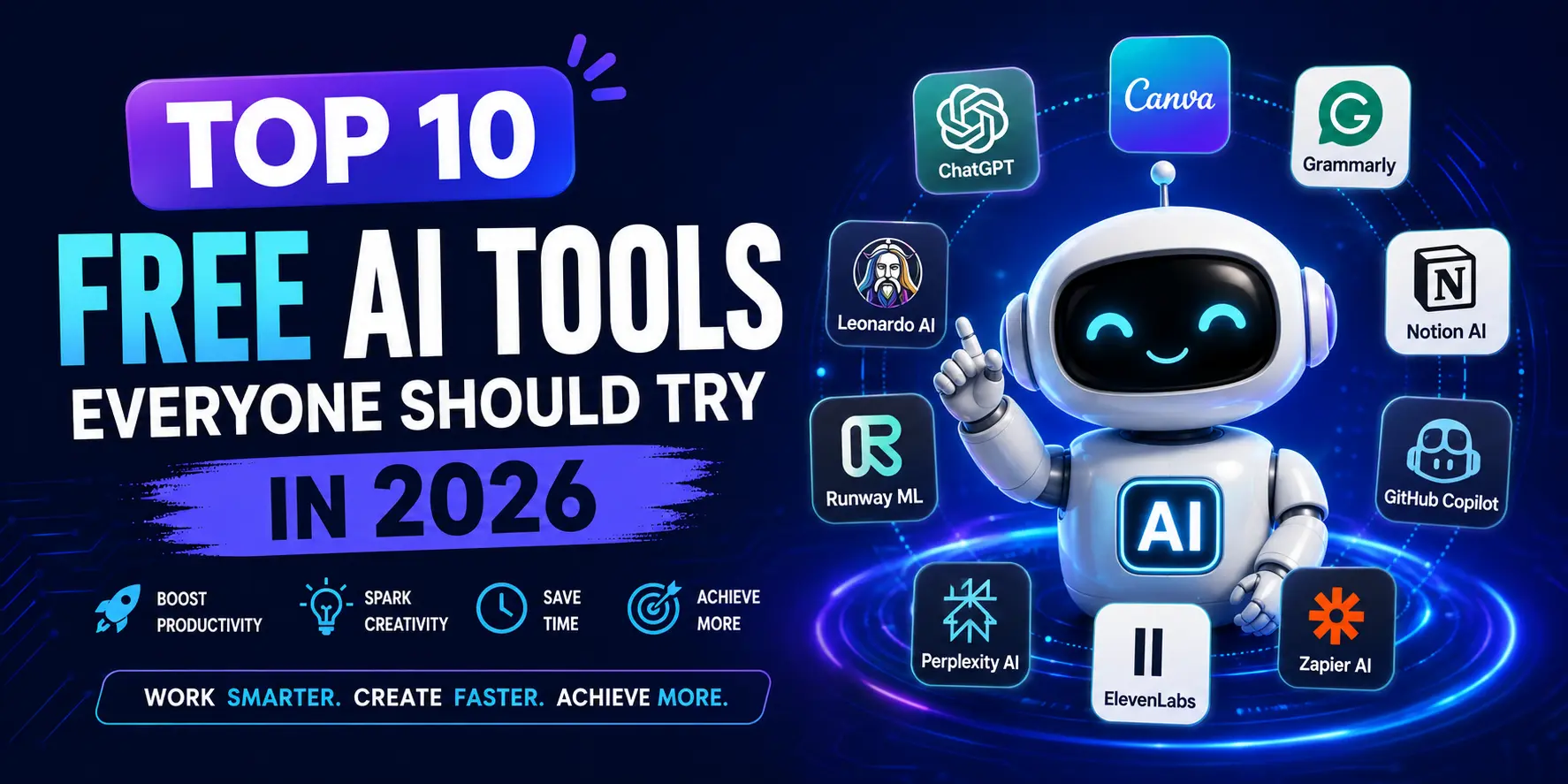
In this guide, we will explore the Best Free AI Tools for beginners in 2026. These tools are easy to use, helpful for daily tasks, and suitable for people who are just starting with artificial intelligence.
What Makes an AI Tool Beginner-friendly?
A good beginner-friendly AI tool should not feel complicated. It should have a simple interface, clear features, and useful results without requiring technical knowledge.
For beginners, the best tools usually have these qualities:
- Easy signup process
- Free plan or free access
- Simple Dashboard
- Clear input box or prompt area
- Useful results for real tasks
- No advanced setup required
The goal is not to use every available AI tool. The goal is to start with a few useful tools that can help you write, research, design, learn, and work faster.
1. ChatGPT
ChatGPT is one of the easiest AI tools for beginners because it works like a conversation. You can ask questions, write prompts, request ideas, summarize content, improve writing, create outlines, and learn new topics step-by-step.
For example, a beginner can use ChatGPT to write emails, create blog outlines, explain difficult topics, generate social media captions, or improve grammar. OpenAI describes ChatGPT as an AI chatbot for everyday use that helps users explore ideas, solve problems, and learn faster.
ChatGPT is especially useful if you are new to AI because you do not need to understand any technical system. You simply type what you need and improve the result by asking the questions.
Best for: Writing, brainstorming, learning, planning, summaries, and daily questions.
2. Google Gemini:
Google Gemini is another strong option for beginners who want a simple AI assistant for writing, planning, brainstorming, and productivity. Google describes Gemini as an AI assistant that can help with writing, planning, brainstorming, and more.
Gemini is useful for people who already use Google products or want quick help with everyday tasks. You can ask it to explain topics, create content ideas, simplify information, or help plan a project.
For students, Gemini can help explain study topics in simple language. For bloggers, it can help generate content ideas and outlines. For professionals, it can help draft messages, organize thoughts, and speed up routine work.
Best for: Google users, writing help, idea generation, study support, and productivity.
3. Microsoft Copilot:
Microsoft Copilot is a good free AI tool for users who want quick answers, writing support, and creative help. Microsoft describes Copilot as an AI companion that can provide direct answers, assist with writing, and even create images.
Beginners can use Copilot for simple research, email writing, content ideas, explanations, and productivity tasks. It is also useful for people who are already familiar with Microsoft products.
One good thing about Copilot is that it feels simple to use every day. You can ask it for help with work tasks, creative ideas, travel planning, summarizing or quick explanations.
Best for: quick answers, writing support, image ideas, and everyday productivity.
4. Perplexity AI:
Perplexity AI is one of the best free AI tools for research because it works more like an AI-powered answer engine. Perplexity describes itself as a free AI-powered answer engine that provides accurate, trusted, and real-time answers to questions.
This makes it useful for beginners who want information with sources instead of just a general answer. If you are writing a blog post, researching a topic, comparing tools, or learning something new, Perplexity can help you find clearer answers faster.
It is especially helpful for students, bloggers, SEO writers, researchers, and anyone who wants to understand a topic before writing about it.
Best for: research, source-based answers, topic discovery, and learning.
5. Canva AI:
Canva AI is a great option for beginners who want to create designs without learning advanced graphic design software. Canva AI says its AI features are available to everyone and that users can get started with a range of AI-powered tools on the free plan, with higher usage and advanced features available on paid plans.
You can use Canva AI for social media posts, blog graphics, Pinterest pins, thumbnails, presentations, posters, and simple brand designs. It is useful because the design interface is visual and beginner-friendly.
For bloggers and website owners, Canva AI can help create featured images, infographics, banners, and Pinterest graphics. For small businesses, it can help create quick promotional designs without hiring a designer for every small task.
Best for: blog images, social media graphics, thumbnails, presentations, and visual content.

6. Grammarly:
Grammarly is useful for beginners who want to improve the quality of their writing. It helps with grammar, spelling, sentence clarity, tone, and writing suggestions. Grammarly also offers free AI writing assistance and says users can sign up for free.
This tool is helpful for bloggers, students, freelancers, office workers, and those who write emails, articles, captions, or documents. Beginners can use it to polish content before publishing or sending it.
Grammarly is not only about fixing grammar. It can also help you make sentences clearer and more professional. This is especially helpful if English is not your first language.
Best for: Grammar checking, email writing, editing, clarity, and professional communication.
7. QuillBot:
QuillBot is another beginner-friendly writing tool. It offers AI writing tools such as paraphrasing, grammar checking, summarizing, citation help, translation, and text generation. QuillBot describes its platform as a suite of AI tools for writing, grammar, tone, fluency, and more.
Beginners can use QuillBot to rewrite difficult sentences, summarize long texts, improve flow, and make content easier to understand. It is especially useful when you already have content but want to improve its structure or readability.
For students, it can help simplify notes. For bloggers, it can help polish rough drafts. For freelancers, it can help improve client emails, proposals, and short-form content.
Best for: Paraphrasing, summarising, grammar help, rewriting, and content improvement.
8. NotebookLM:
NotebookLM is a strong AI research and note-taking tool from Google. It is useful when you want to upload your own sources and ask questions about them. Google describes NotebookLM as an AI research Tool and thinking partner that can analyze sources, turn complexity into clarity, and transform content.
This is very useful for students, researchers, bloggers, and content writers. Instead of asking random questions, you can upload documents, links, notes, or study material and ask questions from your own content.
NotebookLM is also useful because it can provide citations from uploaded sources, which helps users verify information. Goggle Workspace also notes that NotebookLM uses uploaded sources to answer questions and provide citations for verification.
Best for: Research notes, study material, document analysis, source-based answers, and learning.
9. CapCut AI:
CapCut is a useful free AI tool for beginners who create video content. It offers AI-powered video, image, and text tools, and its official site says users can try it online for free with no credit card required.
For creators, CapCut can help with short videos, captions, templates, social media edits, and simple video improvements. It is especially helpful for TikTok, Instagram Reels, YouTube Shorts, and other short-form content.
If you are running a blog or websites, CapCut can also help you create short promotional videos for your articles, tools, or tutorials.
Best for: Short videos, social media edits, captions, and beginner video creation.

Which Free AI Tool Should You Start With?
If you are confused, start with only three tools:
Need
- Writing and ideas
- Research with sources
- Graphics and Visuals
- Grammar improvement
- Study notes
- Video editing
Recommended Tool
- ChatGPT
- Perplexity AI
- Canva AI
- Grammarly
- NotebookLM
- CapCut
You do not need to use all the tools at once. Start with one tool for writing, one for research, and one for design. Once you feel comfortable, you can add more tools based on your work.
Common Mistakes Beginners Make With AI Tools:
Many beginners expect AI to produce perfect results in one try. That is not the best way to use AI. AI works better when you give clear instructions and improve the output step by step.
Some Common mistakes include:
- Using too many tools at once
- Copying AI content without editing
- Trusting every answer without verification
- Writing unclear prompts
- Ignoring personal creativity and experience
AI should be used as an assistant, not a complete replacement for human thinking.
Tips for Using AI Tools Effectively:
Here are a few simple tips for beginners:
- Write Clear Instructions
- Ask follow-up questions
- Review facts before publishing
- Add your own personal touch
- Use AI to save time, not avoid learning
The better your instructions, the better the AI output becomes.
Are Free AI Tools Safe to Use?
Most popular AI tools are generally safe for normal use, but beginners should still be careful.
Avoid Uploading:
- Passwords
- Banking details
- Sensitive documents
- Personal information
- Private business data
It’s also important to review AI-generated content before publishing because AI tools can sometimes provide incorrect and outdated information.
Final Thoughts:
AI tools are becoming a normal part of everyday work, learning, and content creation. The free AI tools for beginners in 2026 are the ones that make tasks easier without feeling complicated. ChatGPT, Gemini, Copilot, Perplexity, Canva AI, Grammarly, QuillBot, NotebookLM, and CapCut are all useful starting points for different needs.
If you want to write better, start with ChatGPT and Grammarly. If you want better research, try Perplexity, NotebookLM. If you want visuals, use Canva AI. If you want videos, try CapCut.
AI tools can save time, improve productivity, and make learning easier. The key is to start simple, use clear prompts, check the results, and slowly build your confidence.
FAQs
What are the best free AI tools for beginners?
Some of the best free AI tools for beginners include ChatGPT, Google Gemini, Microsoft Copilot, Perplexity AI, Canva AI, Grammarly, QuillBot, NotebookLM, and CapCut.
Are free AI tools really useful?
Yes, free AI tools can be very useful for writing, research, resign, study, grammar checking, content creation, and productivity. However most free palns have some limits.
Which AI tool is best for writing?
ChatGPT, Grammarly, and QuillBot are good options for writing. ChatGPT is useful for ideas and drafts, Grammarly helps improve clarity, and QuillBot helps with paraphrasing and rewriting.
Which AI tool is best for research?
Perplexity AI and NotebookLM are strong choices for research. Perplexity is useful for web-based answers, while NotebookLM is helpful when working with your own uploaded sources.
Can beginners use AI tools without technical skills?
Yes. Most modern AI tools are designed for normal users. You can start by typing simple instructions and asking the tool to improve or explain the result.