
ChatGPT
OpenAI's AI assistant for writing, research, coding help, image creation and everyday questions.
What is ChatGPT?
ChatGPT is a conversational AI assistant made by OpenAI. You type a request in plain language and get a written answer, and depending on your plan you can also upload files, create images, talk by voice and run deeper research.
A free version is available to everyone, with paid plans for people who want more usage and access to more capable models.
Key Features
- Everyday text chats on the free plan
- File uploads and data analysis (limited on the free plan)
- Image generation (limited and slower on the free plan)
- Voice chats (limited on the free plan)
- Web search
- Projects to organise related chats
- Apps for web, iOS and Android
Who is it for?
Anyone who wants one general-purpose AI assistant, including students, writers, marketers, developers and small business owners.
Common use cases
- Drafting and editing emails, articles and social posts
- Summarising documents and long text
- Brainstorming ideas and outlines
- Explaining unfamiliar topics step by step
- Getting help with code
Pricing
Freemium Free plan with unlimited everyday text chats and limited use of uploads, images, voice and deep research. Paid plans (Go, Plus, Pro, Business) add more usage and models.
Pricing last checked on 09/22/2026. Plans and limits change, so confirm the current details on the official website.
Pros and Cons
Pros
- A real free plan that anyone can use
- One app for many kinds of tasks
- Available on web, iOS and Android
Cons
- Free plan limits uploads, images, voice and deep research
- The most capable models need a paid plan
- Answers can contain mistakes, so check important facts
How to Use ChatGPT
- Go to chatgpt.com and start chatting, or create a free account to save your history.
- Type your question or task in the message box.
- Refine the answer with follow-up messages, such as asking for a shorter or simpler version.
- Attach a file or image if you need help with one, keeping in mind the free plan limits.
- Check which plan you are on before relying on a feature, since limits differ by plan.
Official Website
Visit chatgpt.com for the latest features and pricing.
Visit Official Website (opens the official website in a new tab)More AI Chatbots
Google Gemini
AI ChatbotsGoogle's AI assistant, free with a Google account, with paid plans for higher limits.
Claude
AI ChatbotsAnthropic's AI assistant for writing, analysing documents, and coding help.
Guides that mention ChatGPT
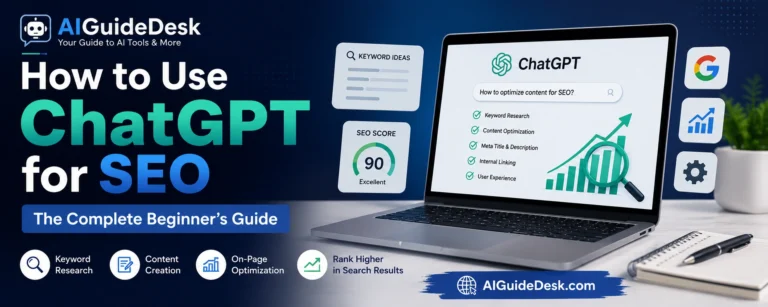
How to Use ChatGPT for SEO: 12 Proven Tips for Beginners (2026)
Learn how to use ChatGPT for SEO in 2026. Discover practical ways to find keywords, create content, optimize on-page SEO, improve rankings, and avoid common mistakes. …

100 Best ChatGPT Prompts for Beginners
Discover the Best ChatGPT Prompts with 100 beginner-friendly ideas for writing, SEO, emails, business, learning, social media, and daily tasks. Quick Answer The best…
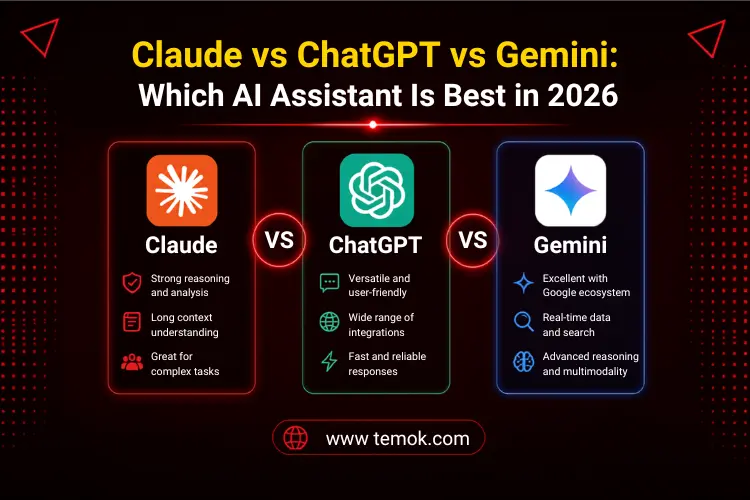
ChatGPT vs Gemini vs Claude: Which AI tool is best in 2026
ChatGPT vs Gemini vs Claude in 2026. Learn which AI tool is best for writing, coding, SEO, research, productivity, and daily use. Artificial intelligence…